



Smartphones are powerful tools for staying connected, learning and managing everyday life. These days, they are crammed with accessibility features designed to make them easier and more comfortable to use, especially for older people and others who may have reduced vision, hearing difficulties or less digital experience.
TCL looks at some options that give Android users more choice in how they interact with their device.
Change display size and text
One of the easiest ways to make a smartphone more accessible is to increase the size of font and the display. To make your font size larger, simply go to the settings, search and select Font size, and adjust the size by moving the slider left or right. If you want to make the display size larger, go into Settings, choose Display size and use the slider.
Use Live Transcribe to turn speech into text
You can use Live Transcribe on your Android device to capture speech and sound and see them as text on your screen, very helpful for anyone with hearing loss or difficulties. Simply download Live Transcribe & Sound Notifications from Google Play, if you don’t already have it. You should then be able to find Live Transcribe or Sound Notifications under accessibility on your device’s Settings app.
Turn on TalkBack
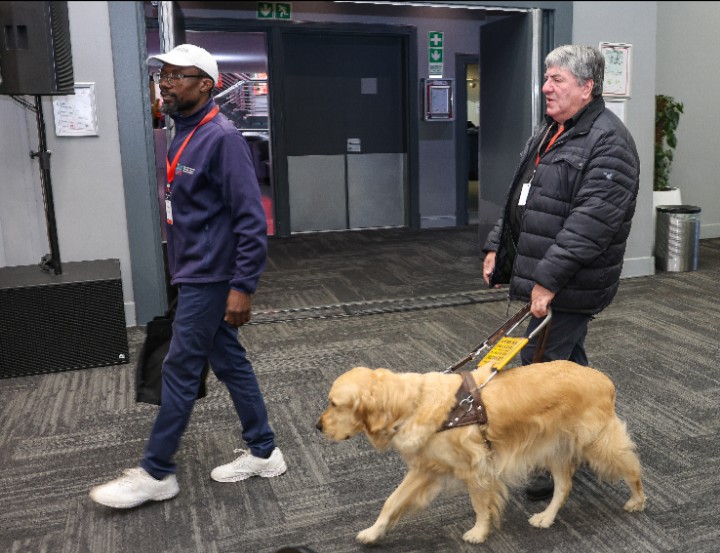
TalkBack helps people who can’t see well or at all to use their Android devices. It lets them touch their phone, and hear what is on the screen. On your phone, open Settings, Tap Accessibility and then TalkBack, and choose Use TalkBack. If you have set up Google Assistant, you can just say “Hey Google”, then “Turn on TalkBack” or “Turn off TalkBack”.
Colour accessibility options
Colour correction and grayscale settings help your device compensate for colour blindness or reduced vision. On your device, open the Settings app. Then Tap Accessibility and then Colour and motion, followed by Colour correction. Turn Use colour correction on and choose a correction mode.
Magnification
You can zoom or magnify to see your Android device’s screen better. Tap Accessibility to find Magnification and turn on the Magnification shortcut. Now you should see a magnification glass icon on your screen, which you can use to zoom in on your display. Magnification can range up to eight times, making it easier to see small text and icons on your phone.
Use Voice Access spoken commands
The Voice Access app for Android lets you use your voice to open apps, navigate, and edit text hands-free. If it’s not already on your phone, you can download it from Google Play. To turn on Voice Access, Open the Settings app, Tap Accessibility, then tap Voice Access. Tap Use Voice Access. From there, you should be able to use the “Hey Google” voice command or an activation button on your screen to use Voice Access commands.
Use a simplified launcher
Simplified launchers can make a phone more accessible for someone with visual impairment or who is not familiar with the interface of a smartphone. Launchers like Smart Launcher 6, Niagara Launcher and Nova reduce clutter and make it easier to navigate a device. There are some designed for the elderly and visually impaired, like BIG Launcher and Elder Launcher.
Enable high-contrast text
Later versions of Android (16 and up) let you use outline text for enhanced readability. On your device, open the Settings app, Tap Accessibility and then Display size and text.
About TCL Mobile
TCL Mobile specialises in the research, development and manufacturing of smartphones, tablets and connected devices. On a mission to deliver 5G for all, TCL Mobile helps its customers ‘Inspire Greatness’ in their lives through industry leading technology and solution